Offering eBooks, white papers, and other useful content is an effective way to grow your email list and engage visitors.
On Duane Smith’s website, we recently added a Free Resources section featuring downloadable eBooks to make it easy for visitors to access high-value content.
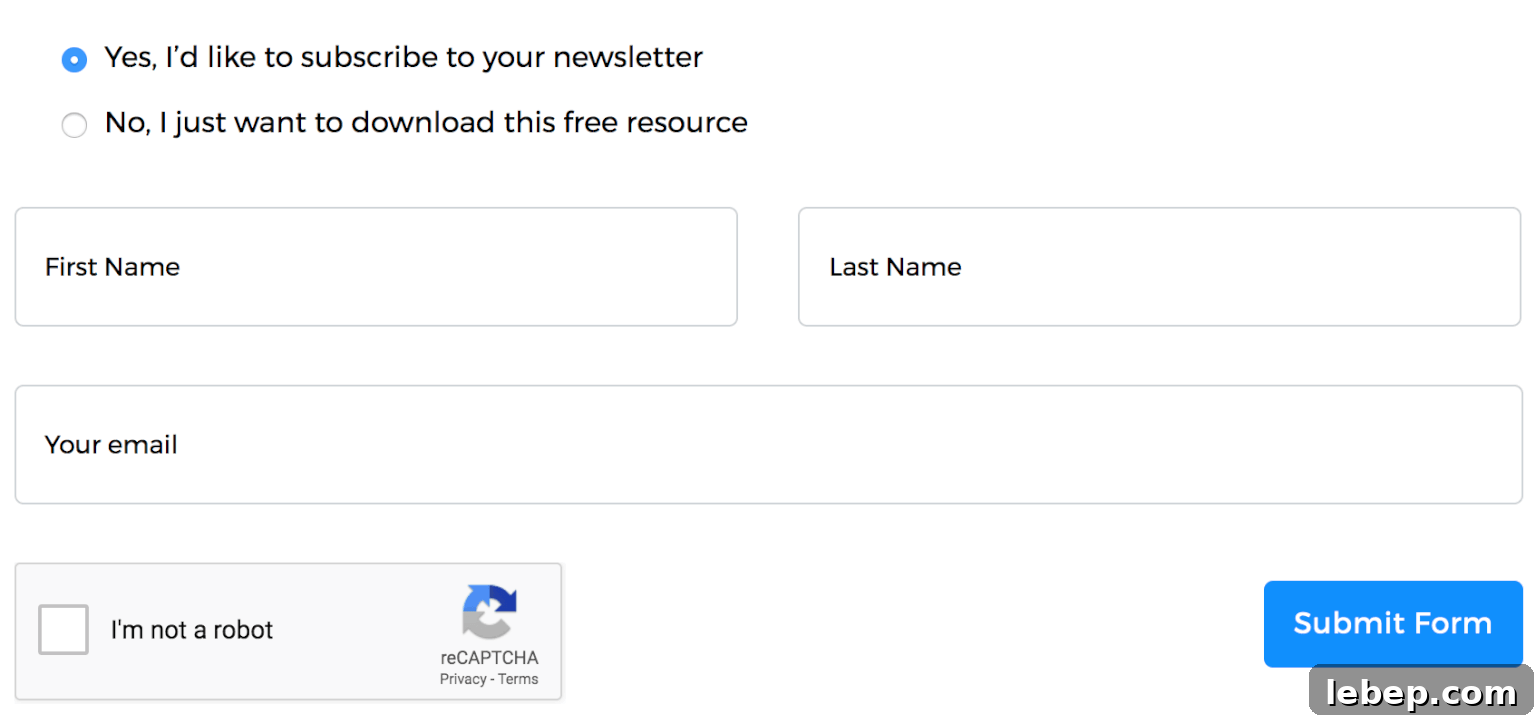
Building the form
Using WPForms, you can quickly create a newsletter signup form and include a link to a PDF in the confirmation message that appears after submission.
Because the site will offer dozens of eBooks, I wanted to avoid creating a separate form for each download. Instead, a single form can serve all eBook pages by dynamically appending the appropriate download link in the confirmation message.
Here’s the content workflow for adding a new eBook page:
- Go to Pages > Add New
- Create a subpage under “Resources” with the eBook title and a short summary
- Insert the shared “eBook Download” form built with WPForms
- Upload the eBook file using a custom metabox created with Advanced Custom Fields
The confirmation message is customized to include a download button that points to the PDF uploaded to the specific page. This allows the same form to be used across many eBook pages while delivering the correct file to the user.

The button is appended to the end of the existing confirmation message since the base message remains consistent for all downloads.
Download Now';
    }
}
add_action( 'wpforms_frontend_confirmation_message', 'be_wpforms_ebook_download' );
Place this code in a core functionality plugin so the behavior persists even when switching themes.
Prevent Google from indexing your PDF files
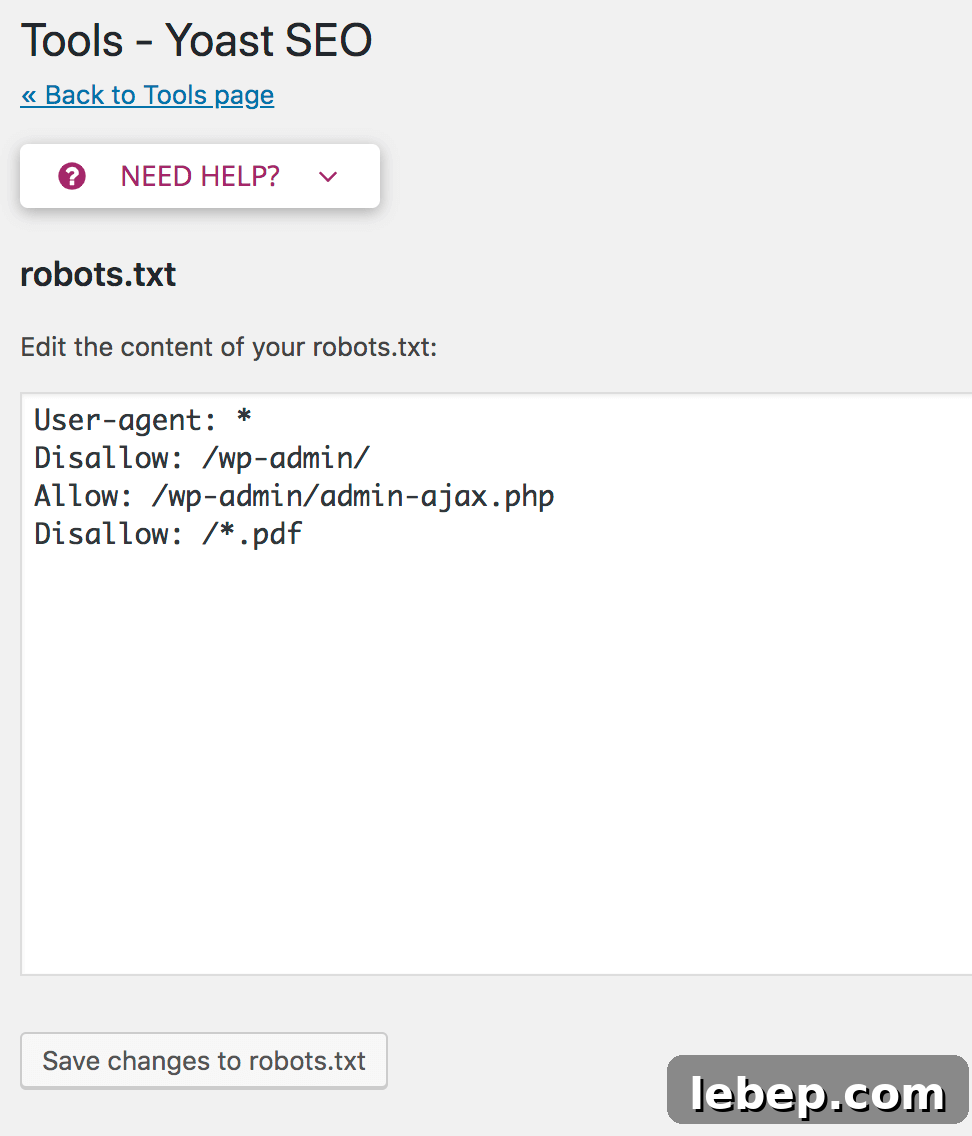
Although PDFs are not linked directly on the site and are only accessible after form submission, search engines can still discover files in your uploads directory. To prevent PDFs from appearing in search results, update your robots.txt to disallow them.
You can edit robots.txt directly on the server via FTP or use a plugin like Yoast SEO’s File Editor. In Yoast go to SEO > Tools > File Editor, create robots.txt if needed, and add the following line to the end of the file:
Disallow: /*.pdfSave the file after adding that rule to help keep your downloadable PDFs out of public search indexes.